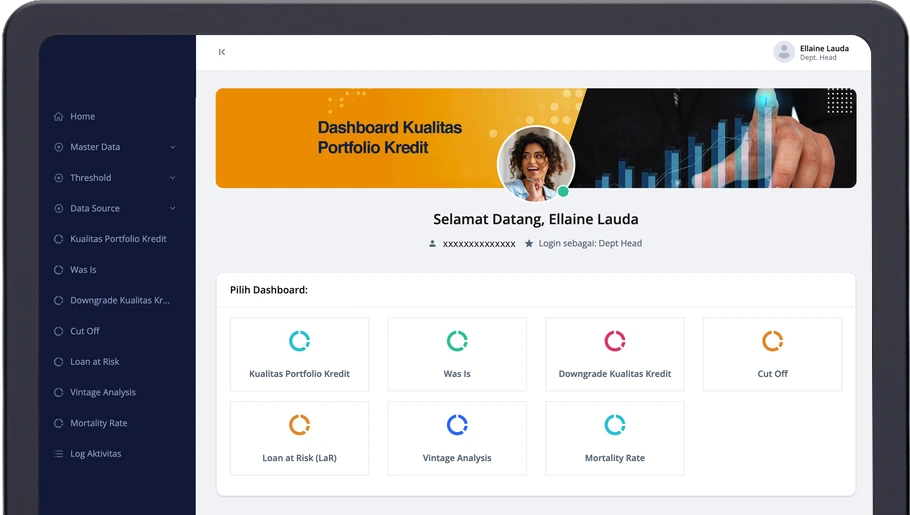
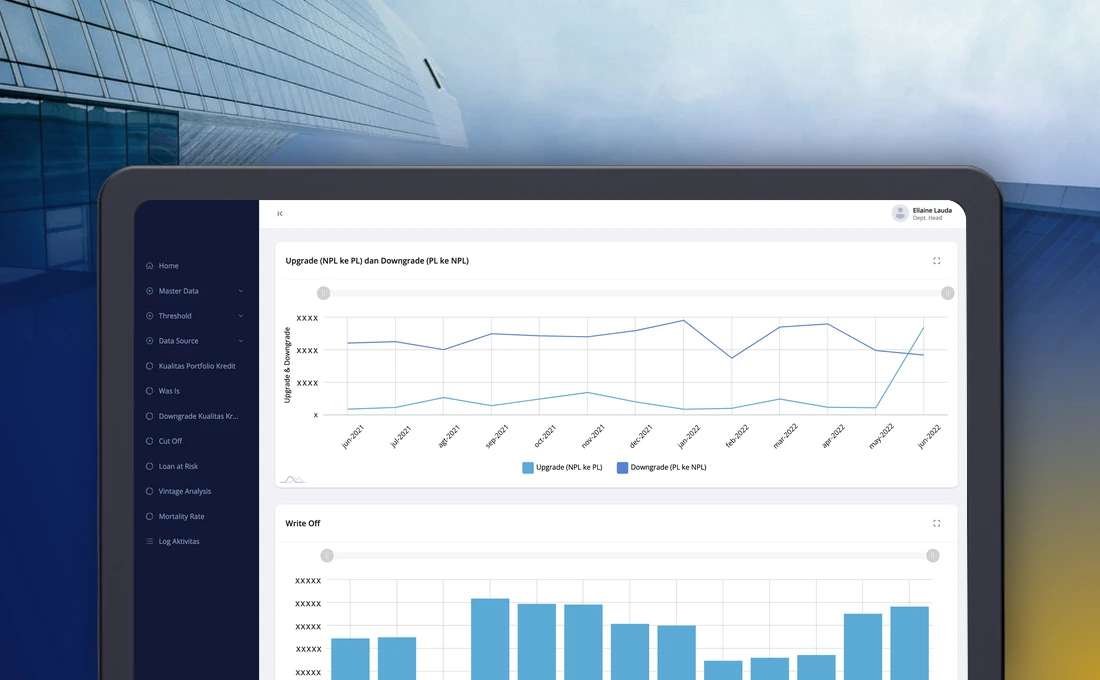
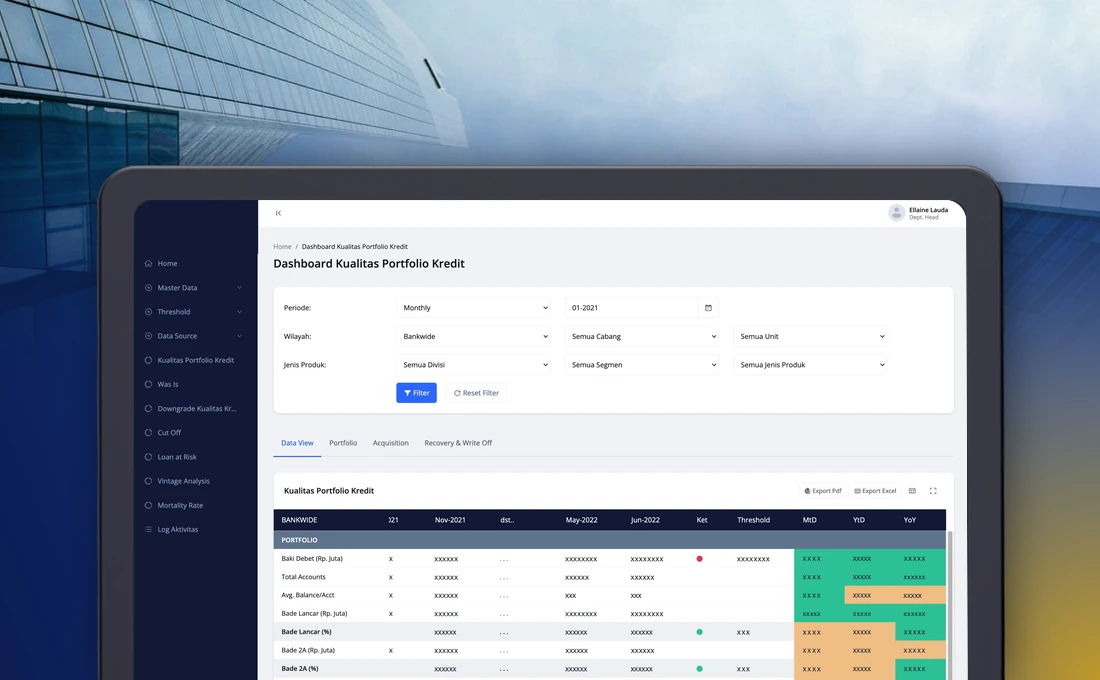
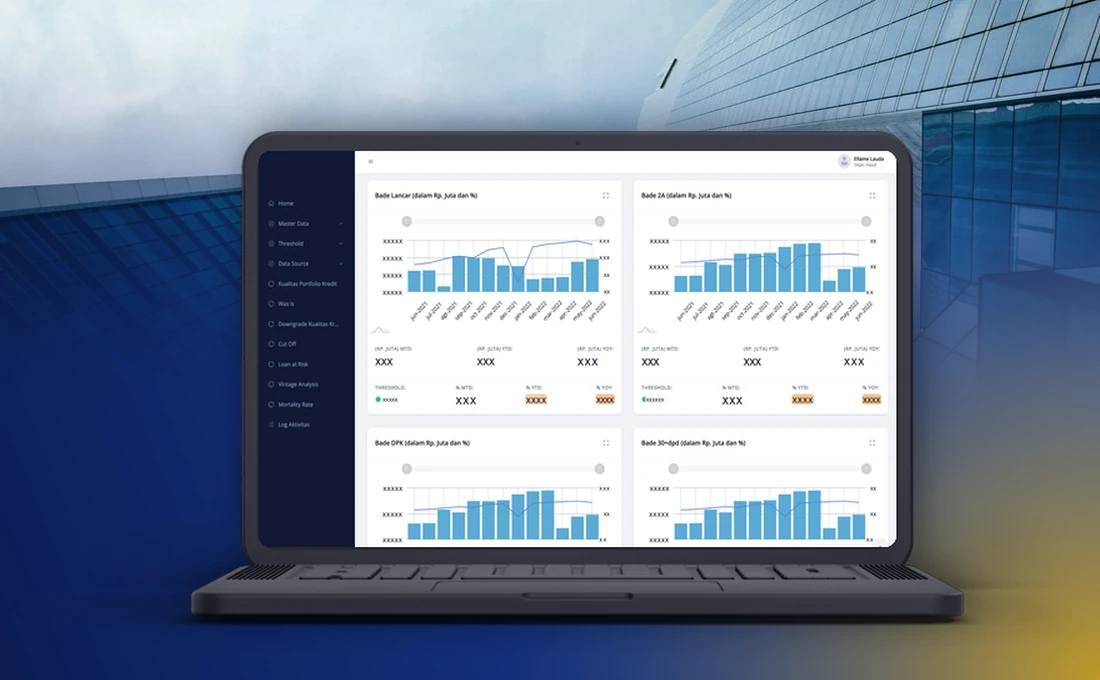
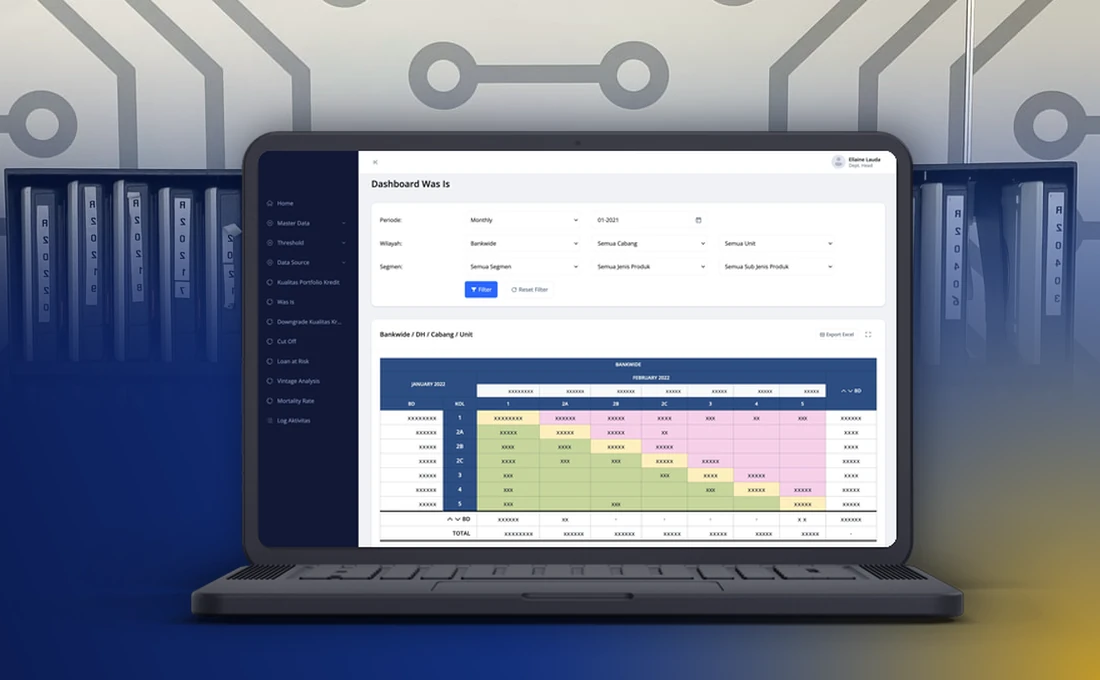
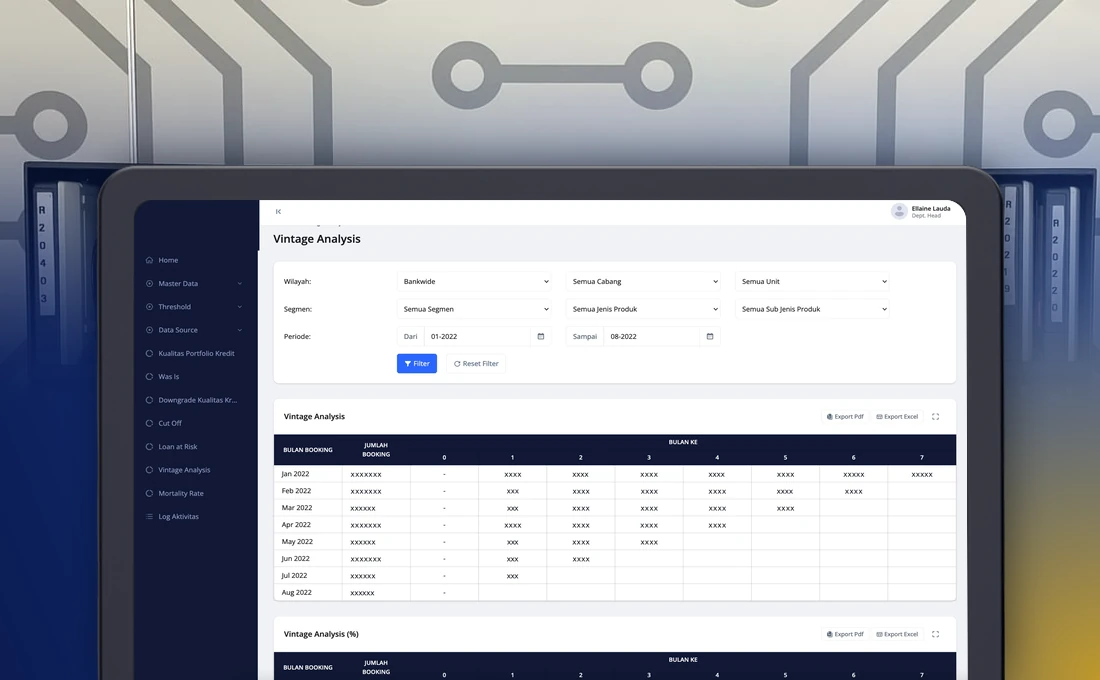
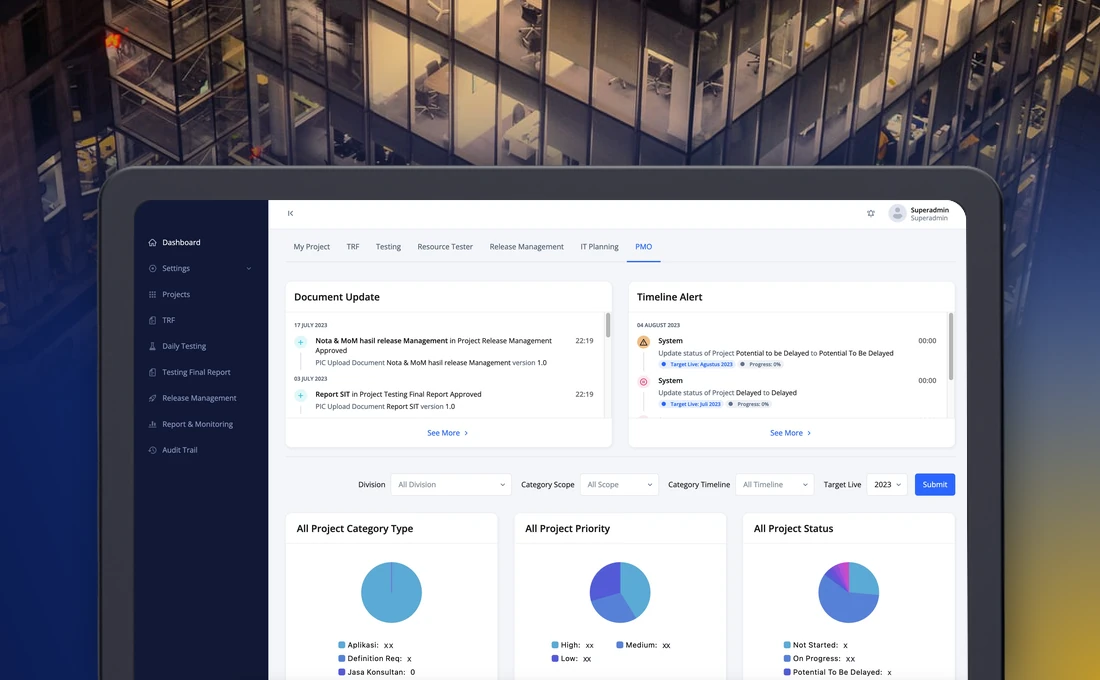
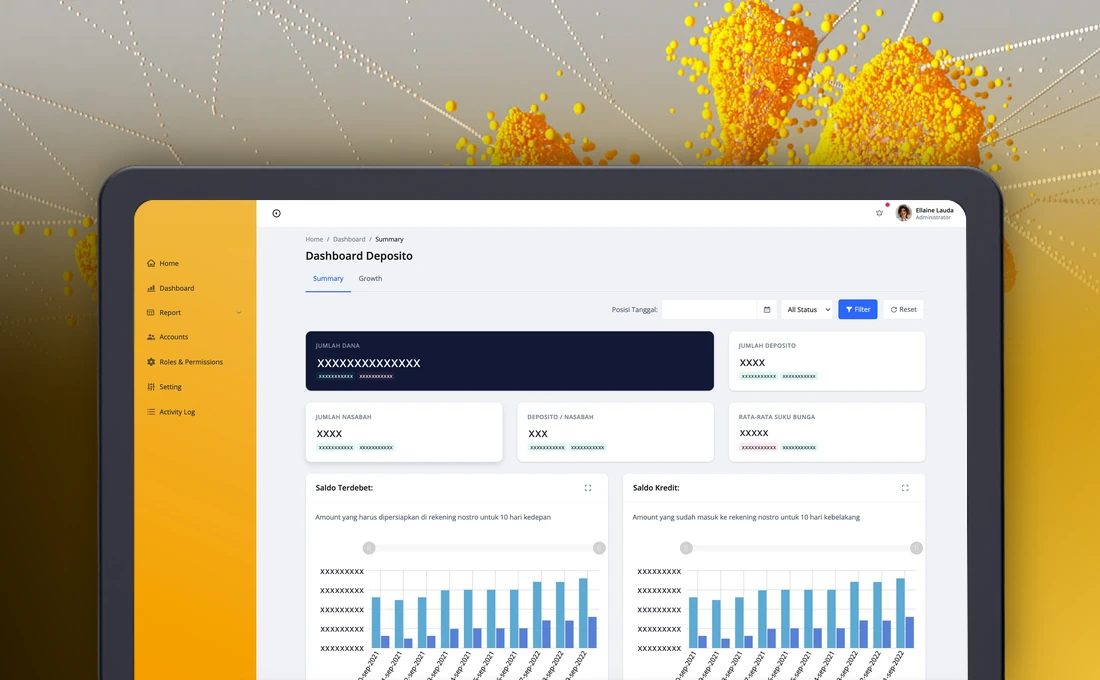
This is a credit portfolio quality dashboard we built for the risk management division of a national commercial bank. It replaces manual monitoring with seven dashboards that show how the bank’s loans are performing, from the whole bank down to a single unit.
This write-up covers why the bank needed it, what the dashboards show, how the data is kept trustworthy and how the work was approached.
Why the bank needed the dashboard
As the bank’s lending grew, so did the need to watch credit quality early, while there is still time to act. The risk division monitored it by hand. Presenting and calculating the data manually invited mistakes, and it slowed down the deeper analysis of where risk might be building.
The bank wanted a monitoring tool that removes human error from the calculations and the presentation, and that lets analysts reach an answer faster.
What the dashboards show
Several terms appear throughout. Month to date, year to date and year over year compare a figure with the same point in the current month, the current year and the previous year. A loan is downgraded when its quality category gets worse. Vintage analysis groups loans by the month they were disbursed and follows each group over time. Mortality rate looks at how loans in a group fall out of good standing as they age.
| Dashboard | What it answers |
|---|
| Portfolio quality | How is the portfolio doing now, compared with last month and last year, and which indicators have crossed their limit? |
| Was Is | Which quality category did loans move into between one period and the next? |
| Downgrade | How many loans got worse, and how does that compare with its limit? |
| Cut off | How do loans behave when grouped by how long they have been on the books? |
| Loan at risk | How much of the portfolio is exposed to risk, by region and month? |
| Vintage analysis | How does each group of loans, grouped by month of disbursement, develop over time? |
| Mortality rate | How quickly do loans in a group fall out of good standing? |
How the data is kept trustworthy
Most of the data comes from the bank’s own data store. Some figures, such as adjustments, restructured loans, write-offs and projections, are maintained by users, so they go through a maker and approver flow before any dashboard uses them.
- A user uploads an Excel file with the supporting data.
- The application imports it in the background and reports success or failure.
- The maker reviews the imported data and submits it to an approver.
- The approver approves or rejects it. A rejection returns it to the maker, an approval updates the data.
- Only data that has finished updating is used by the dashboards.
Limits follow the same rule: the risk team can change them, and the change is approved before it applies. Every step, and every login, is recorded in the audit trail.
Challenges and how the dashboard handles them
| Challenge | How it is handled |
|---|
| Manual monitoring and calculation | Dashboards calculate and present the figures the same way each time. |
| Many angles on the same data | Layered filters for period, region, division, segment and product type. |
| Limits that change | Limits are configurable and approved before they apply. |
| Supporting data outside the main data store | Upload, review and approval before use. |
| Questions behind a figure | Click any figure to open the source data with the same filters. |
How the work was approached
The work began with the bank’s request, which listed the dashboards and the monitoring needs: daily, weekly and monthly views, history, comparisons, limits and export. We then described the full application in a functional and technical specification covering settings, master data, limits, data sources, the seven dashboards and the audit trail, and reviewed it against a requirements traceability matrix. A later version of the specification added notifications to the maker and approver flows.
At handover the bank received the specification, the source code and an installation guide for its own servers.
What changed for the team
The risk team now reads the same numbers from one source. Drill-down replaces the search through spreadsheets, supporting data has a visible approval trail, and an analyst can move from a red indicator to the loans behind it in a couple of clicks.
If your risk or finance team still builds its monitoring in spreadsheets, our fintech software development page describes how we approach projects like this one.