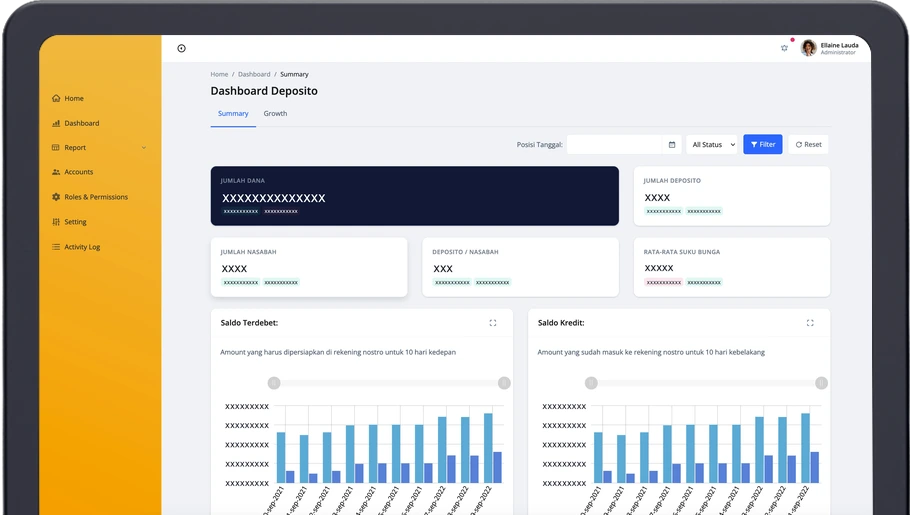
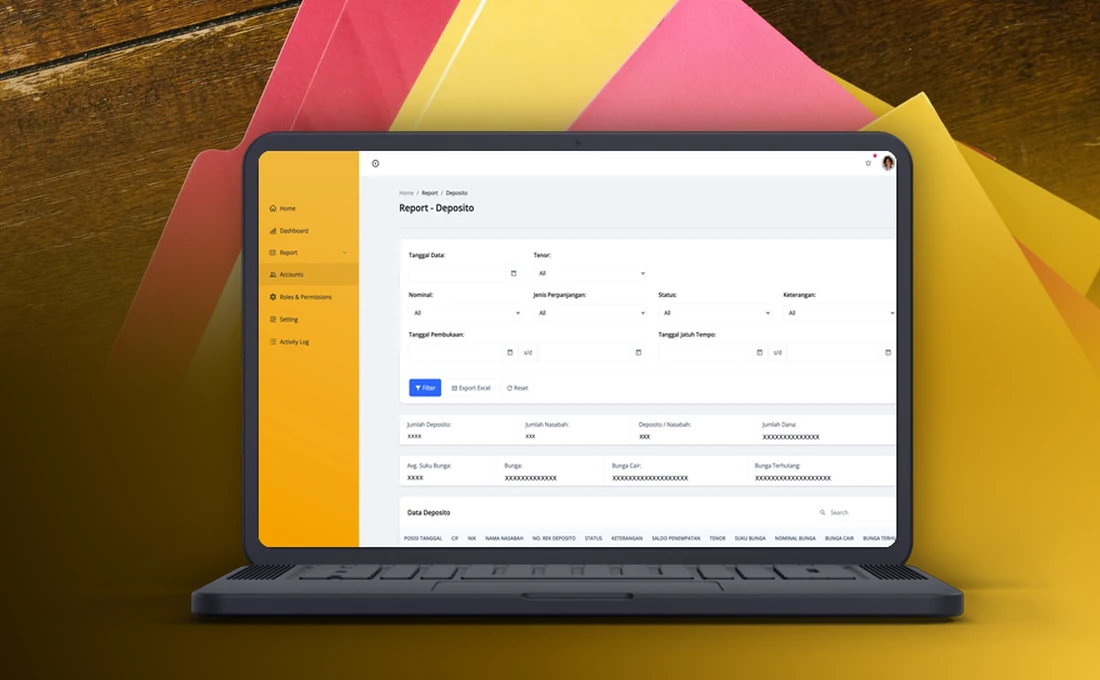
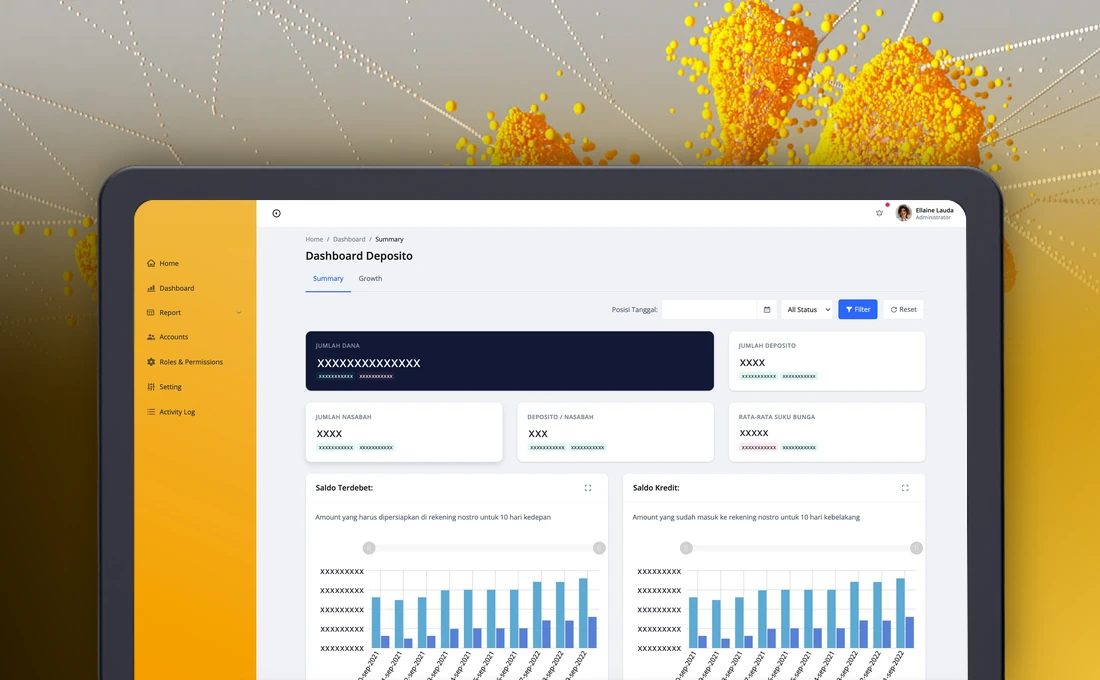
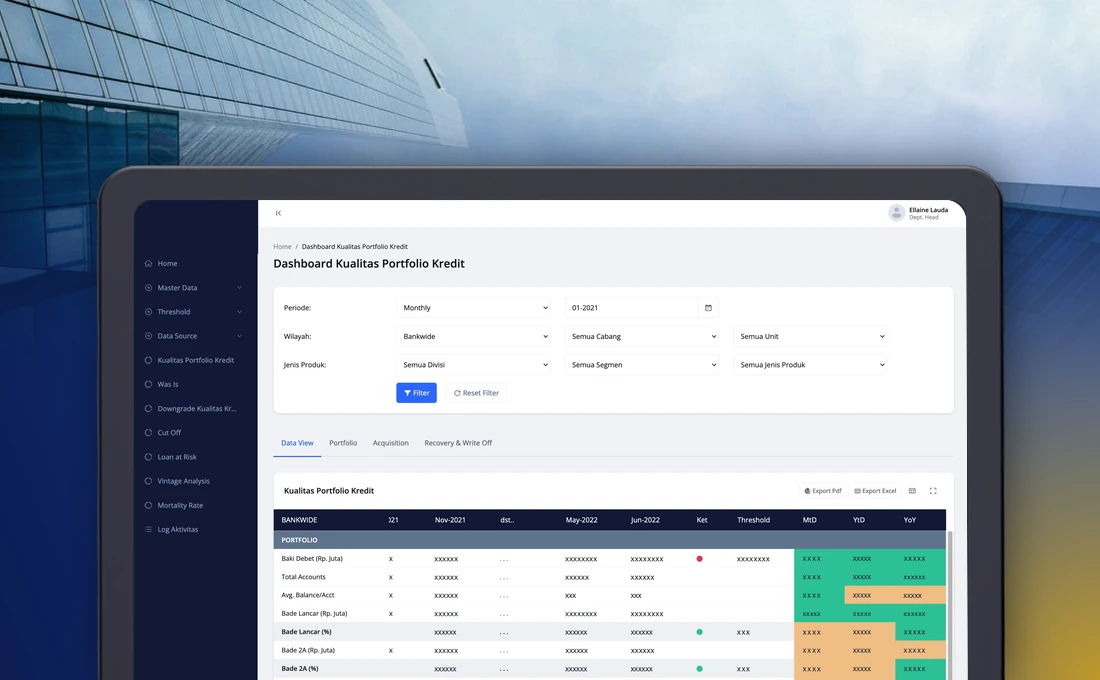
This is a deposit monitoring dashboard we built for a national commercial bank. The bank sells an online deposit product to the customers of a partner bank through the partner’s digital banking app. The dashboard gives the bank’s team one place to follow those deposits, from opening to maturity, and to prepare the reports they need.
This write-up covers why the bank needed it, what the dashboard does, how the data reaches it and how the work was approached.
Why the bank needed a deposit dashboard
The partnership gave the bank access to a large base of digital customers. Customers of the partner bank could open the bank’s deposit product from the partner’s app, at a more attractive rate than they were used to. That worked well for customers and for growth, but it meant every deposit lived in two worlds: the customer saw it in the partner’s app, and the bank recorded it in its own systems.
The bank’s team needed to know how many deposits were running, which were about to mature, how much interest was due and whether the numbers matched what the partner reported. Without a dashboard, that meant compiling raw data into spreadsheets for every reconciliation and every progress report.
What the dashboard does
The dashboard is a web application with a summary view, a report page and the tools to manage who can see what. It is organised into these modules:
| Module | What it does |
|---|
| Settings and security | Roles, permissions, user accounts and the application’s security settings. |
| Data intake | Pulls deposit data, ledger data, payouts and interest payments from the bank’s own sources into the dashboard. |
| Dashboard | Summary figures, charts by term, customer and deposit type, portfolio growth, latest transactions and the status of each deposit. |
| Reports | Detailed transaction, growth, interest rate and maturity reports, with a period filter and Excel export. |
| Notifications | In-app reminders for approaching maturity and automatic renewal. |
| Audit trail | A log of user and system activity. |
Deposit statuses
Reconciliation depends on everyone reading a deposit’s status the same way, so the dashboard uses four of them.
| Status | Meaning |
|---|
| Active | The deposit has been issued and is running. |
| Broken early | The customer closed the deposit before its maturity date. |
| Paid out | The deposit matured and the funds were sent to the customer’s account. |
| Matured but not payable | The deposit reached maturity, but the destination account could not receive the funds. |
How the data reaches the dashboard
- A customer opens a deposit in the partner bank’s app.
- The partner bank and the bank exchange the customer and deposit data, and the deposit is created in the bank’s core system.
- The dashboard pulls the deposit, payout and interest data from the bank’s sources.
- The team reads the figures on the dashboard, opens any figure to see the transactions behind it, and exports reports to Excel for reconciliation.
Every figure on the dashboard can be opened, so a question about a total leads straight to the individual transactions.
How the work was approached
| Step | What happened |
|---|
| Specification | The deposit journey in the partner’s app (open, break early, pay out at maturity, update the destination account) was documented first. The dashboard was defined as the monitoring layer on top of it. |
| Build | Settings and security, data intake, the dashboard, reports, the audit trail and notifications were delivered as one web application on the bank’s own infrastructure. |
| Scope control | The timeline was short, so a few items were scheduled for a later stage and the first release concentrated on monitoring and reporting. |
| Handover | The bank received the specification, test and migration documents, a user guide and the source code, with a warranty and a maintenance period after go-live. |
What changed for the team
The team now has one view of the deposit portfolio instead of a set of spreadsheets. Reports that used to be compiled by hand come from filters and an export button, maturity no longer depends on someone remembering a date, and the activity log shows who looked at or changed what.
If your team follows a financial product across more than one system, our fintech software development page describes how we approach projects like this one.